

LumaShare
iPad, iPhone, Mac, and Android sharing and slideshow booth companion app
Simplify sharing, showcase your guests
Share and showcase your photo booth photos, videos and GIFs from LumaBooth for Windows or LumaBooth for Apple
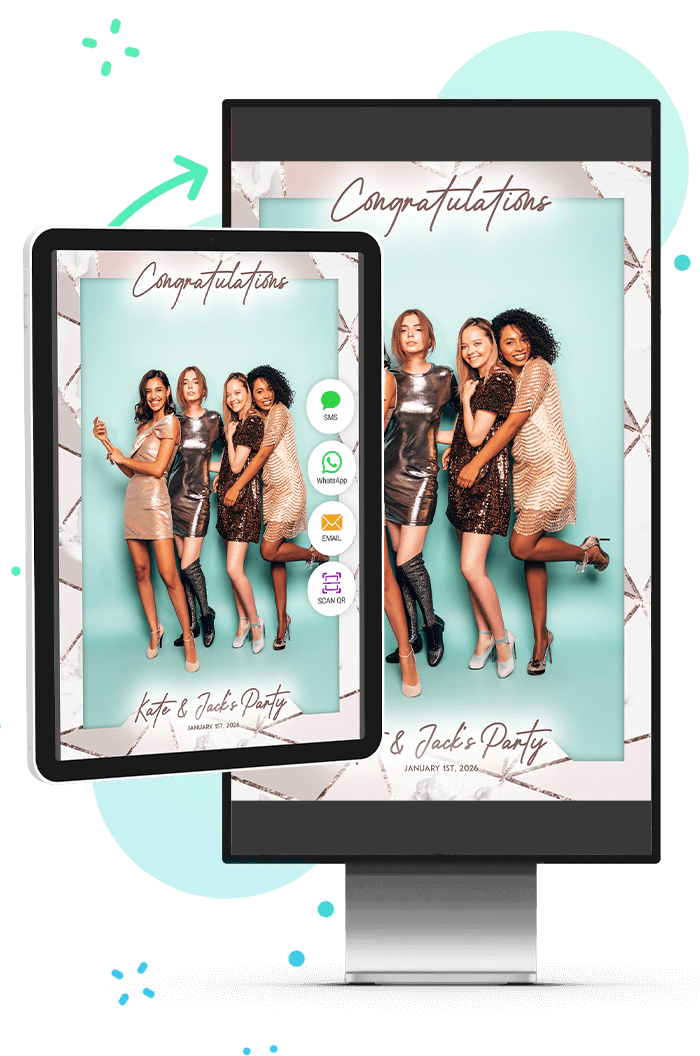
LumaShare frees up your booth to capture more guests by letting your guests view and share their booth photos and videos on a separate station.



Sharing station
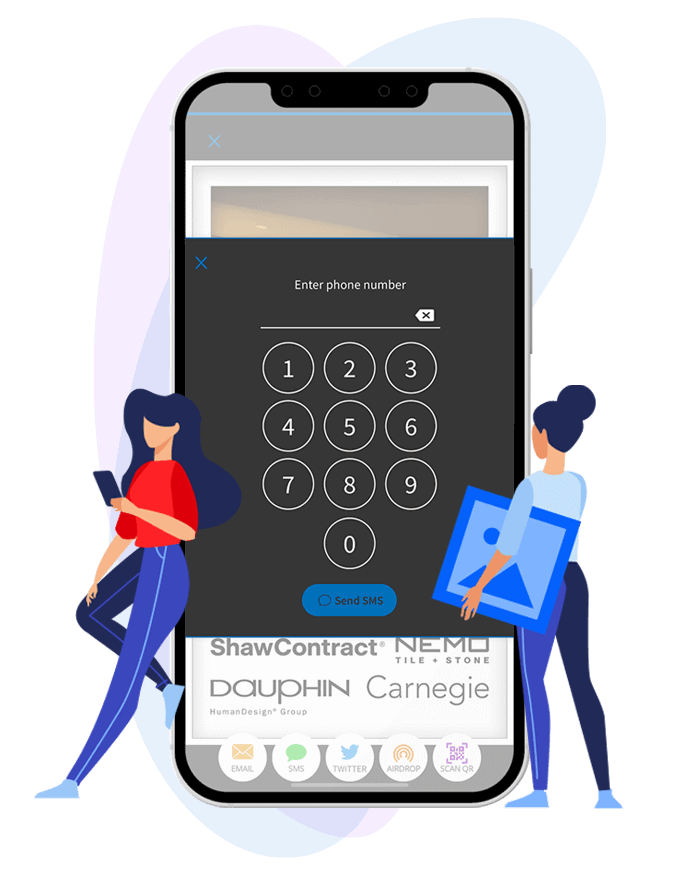
Share photos, videos and GIFs in realtime using E-mail, SMS, WhatsApp, Instagram, AirDrop, and QR code.

Print directly from your iPad, iPhone, Mac, or Android device using AirPrint or your professional printer connected to LumaBooth.

Slideshow
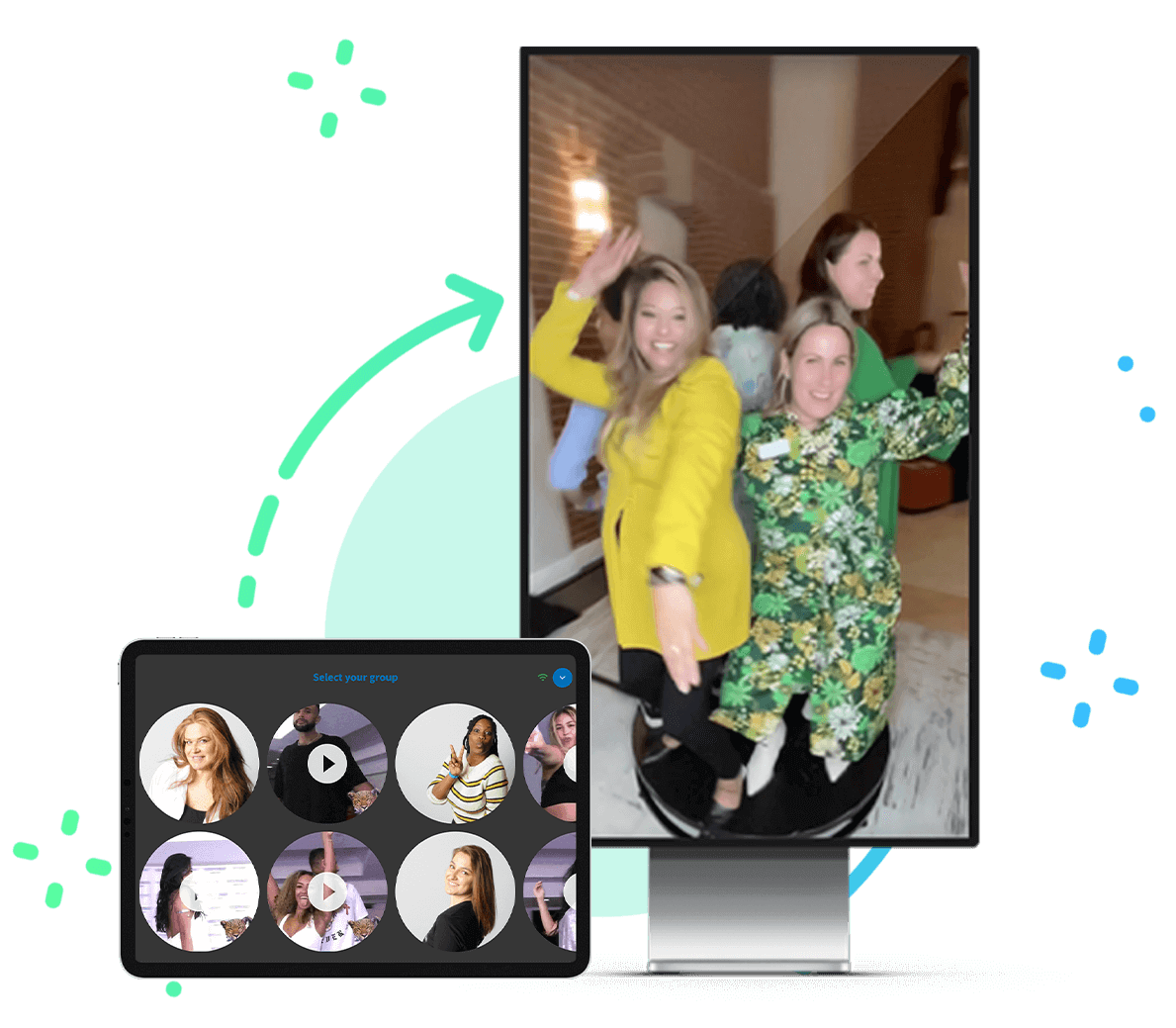
Showcase your guests photos and videos in real-time on a large TV.
See LumaShare in Action
Slideshow
Play a landscape or portrait slideshow in the background to any AirPlay 2 device such as Roku or Apple TV, stream to Google Chromecast, use compatible smart TVs, or connect directly over an HDMI cable.
Sharing
LumaShare is the best solution for serving crowds to keep guests moving through the booth experience. LumaShare seamlessly connect to your booth apps and lets your guests share their photos and videos at a separate station and works even when there isn't an internet connection.
Survey & Data Collection
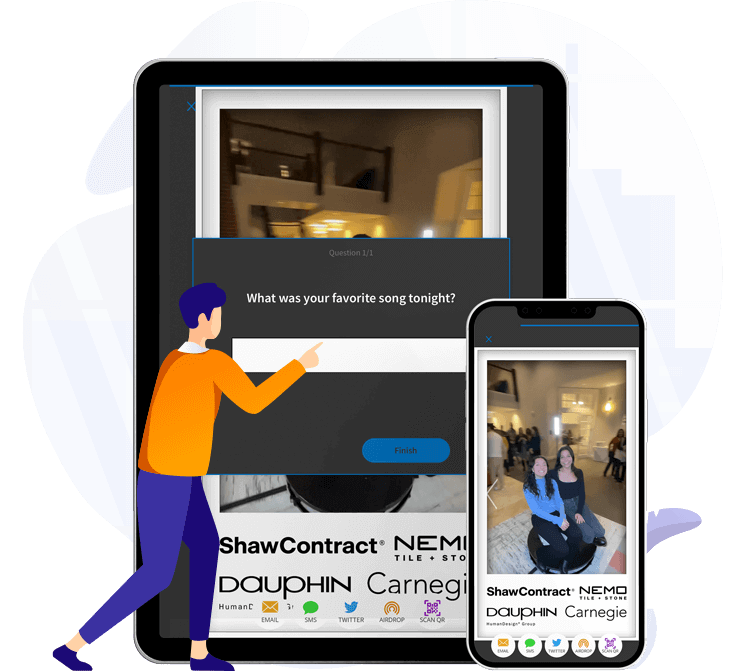
Collect data from your guests by asking custom short and multiple choice questions.
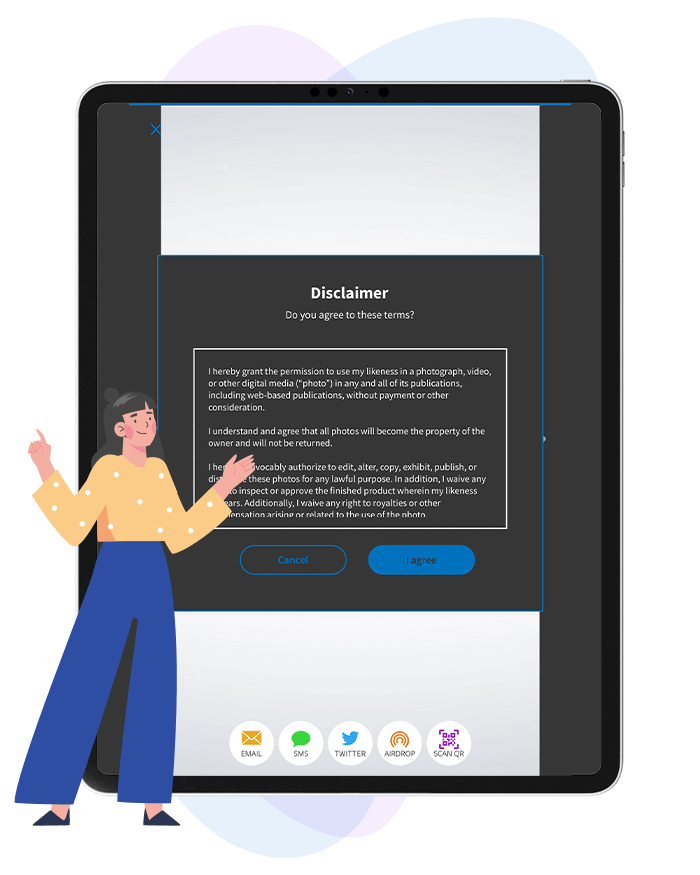
Disclaimer
Optionally require guests to complete a disclaimer before sharing their photos and videos.
Stories From Our Customers
Love this app. Connects so easy to my booth. Guest love using it to share or print their photos after the experience! Easy to customize for each event.
I can only judge based on what I'm seeing over a short time but if the apps allow myself and attendees to navigate through them as seamless as they have so far, you won't regret the initial or recurring cost if it means keeping your customers happy and business operating smoothly.
Love using it for my photo booth events. Subscription is worth it as it includes cloud hosting, email, and sms messages. Frees up my booth to take more photos. Guests love it!
My guests have never been no pleased.
No problem whatsoever!!! User friendly!
Enjoying using the fotoshare app for my photo booth sharing station!!
Have Questions?
What do I need to run LumaShare?
An iPad, iPhone, Mac, or Android (tablet, phone, or Touchscreen Monitor) connected to WiFi. Check out our hardware requirements.
Is there the option to play a slideshow?
LumaShare can play a slideshow on another display or TV via AirPlay, Google Chromecast, or a direct HDMI connection. Check out supported devices.
How does LumaShare connect to LumaBooth for Windows and LumaBooth for Apple?
LumaShare connects to your booth running LumaBooth for Windows or LumaBooth for Apple via a local WiFi connection. Both devices must be on the same network. If the connection is weak, LumaShare will fetch photos from fotoshare.co.
Can LumaShare be used vertically?
LumaShare can be used horizontally or vertically. You can customize the size and shape of thumbnails. Slideshows can run in either orientation.
How can I purchase?
LumaShare can be purchased through the Apple App Store or the Google Play Store with monthly or yearly subscription options.
Download FREE trial today
If you want to use the optional sharing features of LumaShare, you need to purchase a subscription which offers unlimited sharing using SMS, E-mail, Instagram. LumaShare requires a monthly renewable subscription that costs $8.99.