
The professional photo booth app for Android
Photo, GIF, video and 360/Slow-mo on the Android tablet or phone you already own.
Or get LumaBooth for iPad, iPhone, Mac and Windows
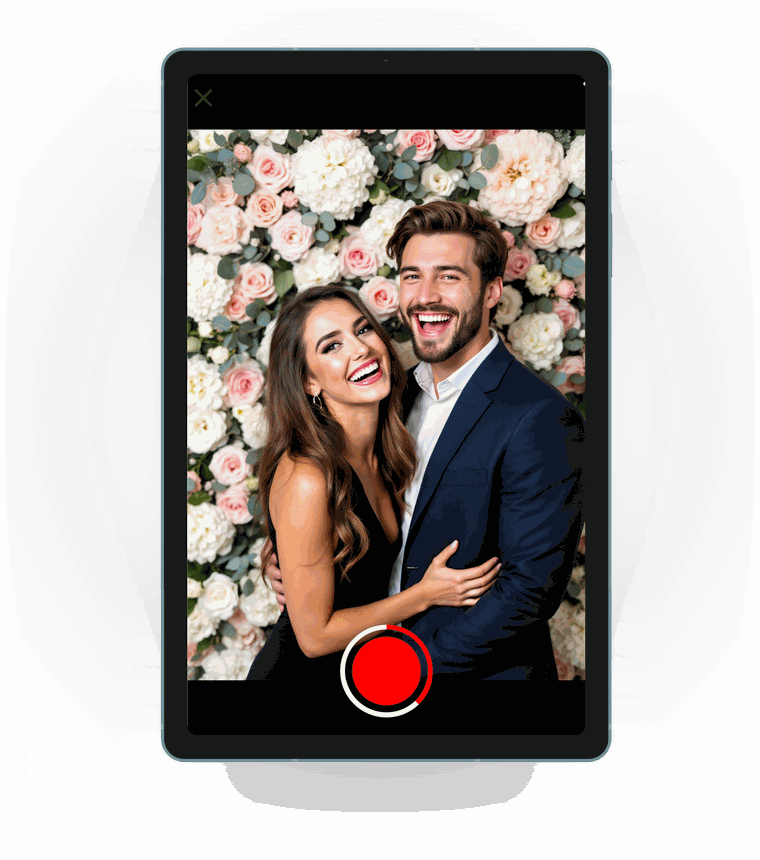
The easiest and quickest way to run a photo booth for your next event. Get an Android tablet or phone, install the LumaBooth event photo booth app and you are all set.

Capture
Capture photos, GIFs, videos and 360/Slow-mo with the LumaBooth app using your Android device's built-in camera.
Customize
Shape the experience of your photo booth from start screen and branding all the way to print and video.
Share
Share using email, SMS, WhatsApp, QR code, or physical paper prints of any size.
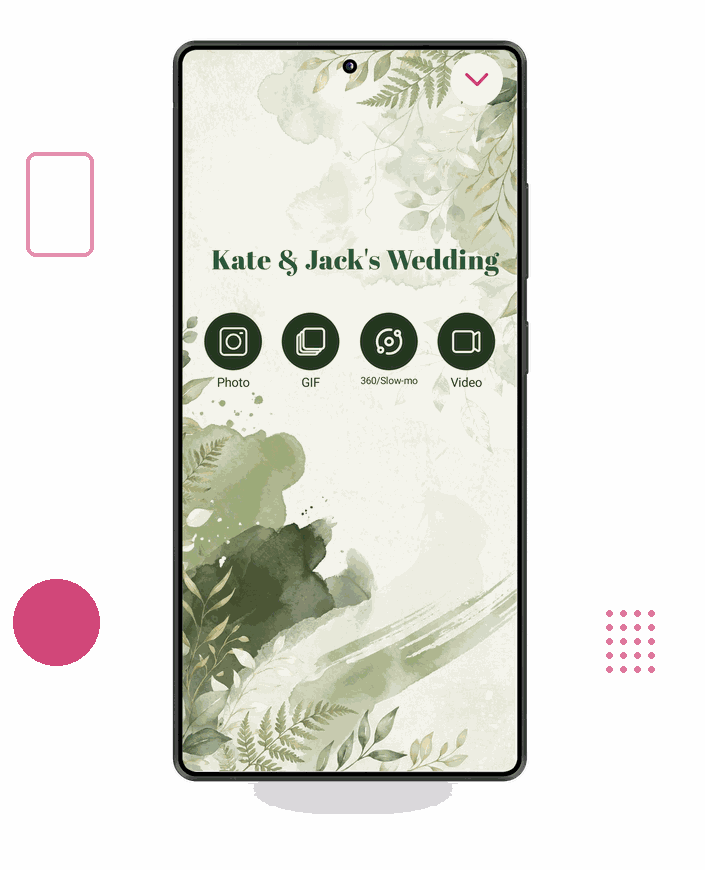
Four booth modes, one app
Photo, GIF, video and 360/Slow-mo. Pick the mode that suits the event and let the app run the session.
-
Set your own countdown, number of shots per session and capture review time.
-
Pick which of your device's built-in cameras runs the booth.
-
Add image overlays on top of every capture.
Print layout
-
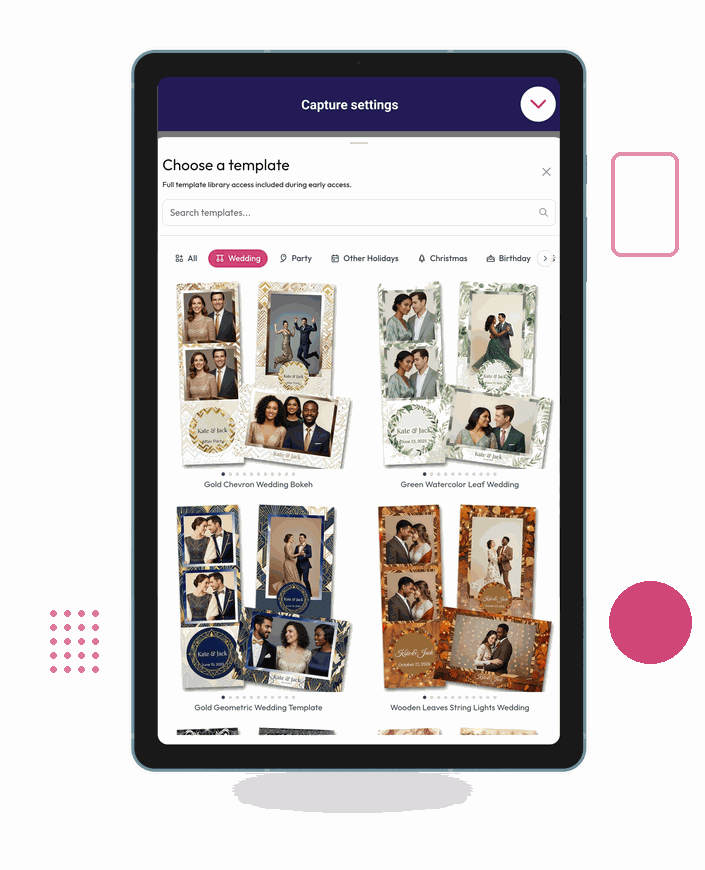
Shop from a ready-made template library organized by wedding, party, birthday and holiday themes.
-
Choose the number of photos per print.
-
Add your own text and images.
-
Get high quality paper prints.
Branded Experience
-
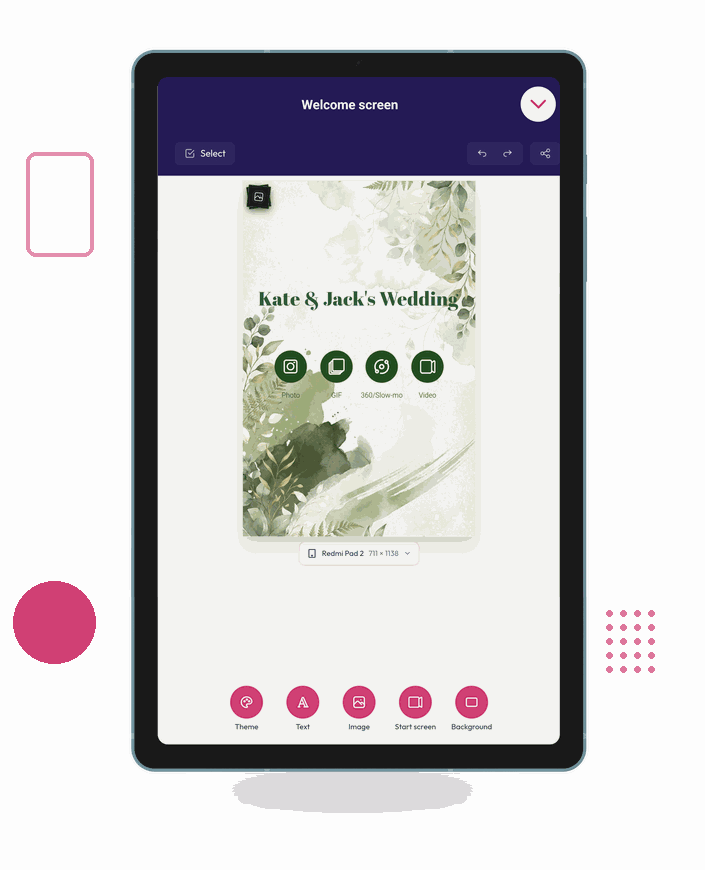
Design the welcome screen your guests see in the LumaBooth Dashboard: theme, text, images and background, previewed at your exact tablet size.
-
Set events up inside the app or from any browser; they sync to your device automatically.
-
Collect guest details and consent with built-in surveys and disclaimer screens.
Share + Print
-
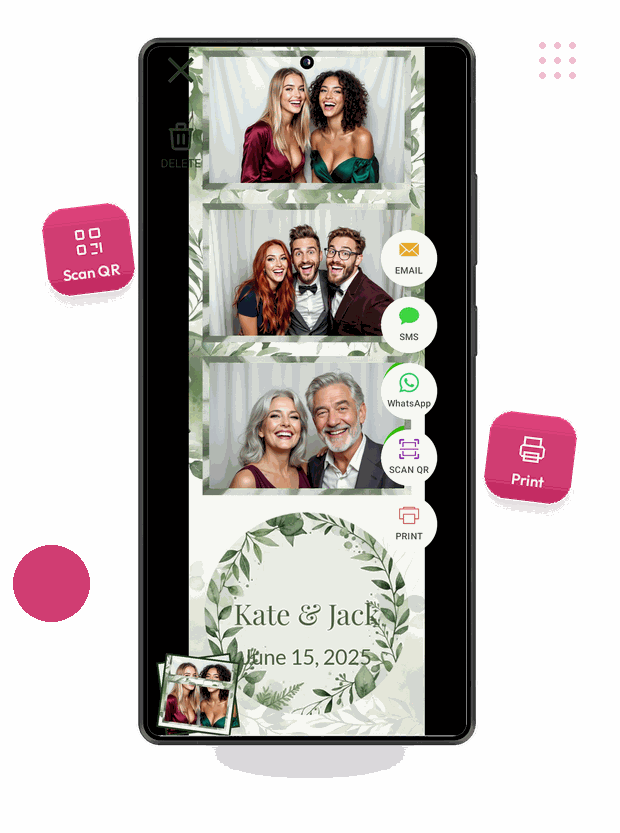
Guests share straight from the booth over email, SMS, WhatsApp or QR code.
-
Print to network printers and choose how many copies go out per session.
-
Every session uploads to fotoShare Cloud for a branded online gallery and event analytics.
-
Cast a live slideshow to any Chromecast-enabled screen.
More than just a photobooth app
360 Booth
Capture your guests from all angles for a unique customized video experience.
360 photo booth features

GIF Booth
Capture several photos and customize with overlays to create the perfect GIF of your guests.

Video Guestbook
Let guests leave a recorded message for the couple, saved with the rest of the event.
Video guestbook features
A world of features

Layout editor
Customize your print templates without leaving the app.

Countdown control
Set the countdown, the delay between shots and how long each capture stays on screen.

Cloud Sync
Your event will seamlessly sync across all your devices.

Image overlays
Customize your experience by adding custom image overlays.

Survey & Disclaimer
Allow guests to provide feedback and accept disclaimers.

Online and offline sharing
When guests share by Email and SMS, they will get their photos or videos in real-time. If there is no internet, shares will queue until internet connection is available.
Have Questions?
Is there a free trial?
Yes. Every feature is enabled during the free trial and your photos and videos carry a watermark. The watermark cannot be removed later, so subscribe before running a real event.
What are the hardware requirements?
Android 8.0 or later with 4 GB of RAM and 2 GB of free storage, plus WiFi for sharing and printing. We recommend Android 11 or later with 6 GB of RAM, and a recent mid-range or flagship device for 360 and slow motion. LumaBooth uses your device's built-in cameras, so no external camera is required.
Can I use a Canon, Nikon or Sony camera?
Not on Android. DSLR and mirrorless camera support is available in LumaBooth for Windows (dslrBooth) and LumaBooth for Apple.
Can I turn my Android tablet or phone into a photo booth?
Yes. Mount an Android tablet or phone on a stand, install LumaBooth, design your welcome screen and you have a working photo booth that captures, prints and shares.
Can I print from an Android photo booth?
Yes. LumaBooth for Android prints to network printers, and guests can choose how many copies they want from the booth.
Which features are not on Android yet?
AI Portraits, Filters, Background Replacement, Virtual Attendant, Cashless Payments, Mirror Booth, Stickers, Glam Booth and LumaShare are available on our other booth apps and are coming to Android soon. Contact us and let us know which one you would like us to add first.