
March 2nd, 2026
LumaShare for Android
For years, LumaShare has been the go-to sharing station for photo booth operators running events on iOS. Guests walk up, browse their photos, share them instantly, and print their favorites, all without touching the booth itself.
Now it’s available on Android.
What Is LumaShare?
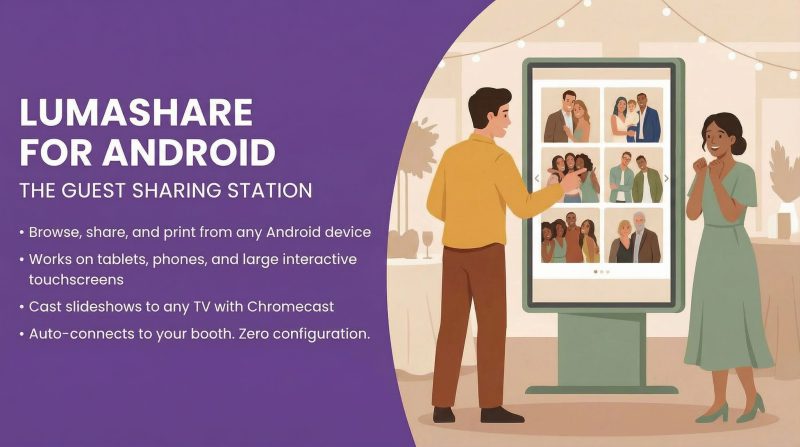
LumaShare is a guest-facing kiosk app that connects directly to your LumaBooth or dslrBooth setup. Instead of having guests crowd around the booth to find their photos, you set up a separate screen where they can browse, share, and print on their own.
It auto-connects to your booth. No IP addresses to configure, no pairing codes, no troubleshooting on-site. Turn it on and it finds your booth.
Why Android Matters
Android opens up hardware options that simply don’t exist on iOS. The biggest one: large-format interactive touchscreens.
LumaShare for Android runs on interactive displays from Samsung, LG, ViewSonic, and others, in sizes up to 55″, 75″, and 85″. That means your guests can swipe through their event photos on a massive touchscreen, not a tablet tucked in the corner, but a display that becomes a centerpiece of the event itself.
Beyond large displays, Android support means you can run LumaShare on any Android tablet or phone. For operators in regions where iPads are difficult to source or significantly more expensive, this removes a real barrier to offering a guest sharing experience.
What Guests Can Do
- Browse photos from the event in real time as the booth captures them
- Share via SMS, email, or QR code where guests pick their photo and send it to themselves in seconds
- Print favorites directly from the sharing station
- Cast slideshows to any screen using Chromecast, so event photos play on TVs and displays throughout the venue
The experience is the same seamless flow that LumaShare is known for on iOS, now running natively on Android.
What This Means for Operators
You now have significantly more flexibility in how you build your sharing setup:
Small events: A single Android tablet next to the booth gives guests a self-serve sharing station without adding much cost or footprint.
Large events and activations: Mount an 85″ interactive touchscreen near the reception area or dance floor. Guests see their photos displayed at scale and can walk up to interact. It’s a visual statement that elevates the entire event experience, and it’s something no other photo booth software offers.
Multi-station setups: Mix and match devices. Run LumaShare on an iPad at one station and a large touchscreen at another. They all connect to the same booth.
Slideshow displays: Cast a live slideshow of event photos to any TV with a Chromecast. Add extra screens around the venue without extra hardware or configuration.
Recommended Hardware
LumaShare runs on any Android device with Android 8.0 or later and at least 3 GB of RAM. For the best experience, we recommend Android 11+ with 6 GB of RAM. A couple of affordable options that work great:
Any Android phone or large touch screens running Android OS that meets the requirements works too. For full specs and network requirements, check out our hardware requirements article.
Get Started
LumaShare for Android is available now on the Google Play Store.
Download LumaShare on Google Play
If you’re already running LumaShare on iOS, the Android version works the same way. Just install it, and it connects to your booth automatically. If you’re new to LumaShare, it’s a small add-on to your LumaBooth or dslrBooth subscription.
Questions? Drop them in our Facebook community or reach out to support. We’d love to see how you put those large touchscreens to work.
Related Articles
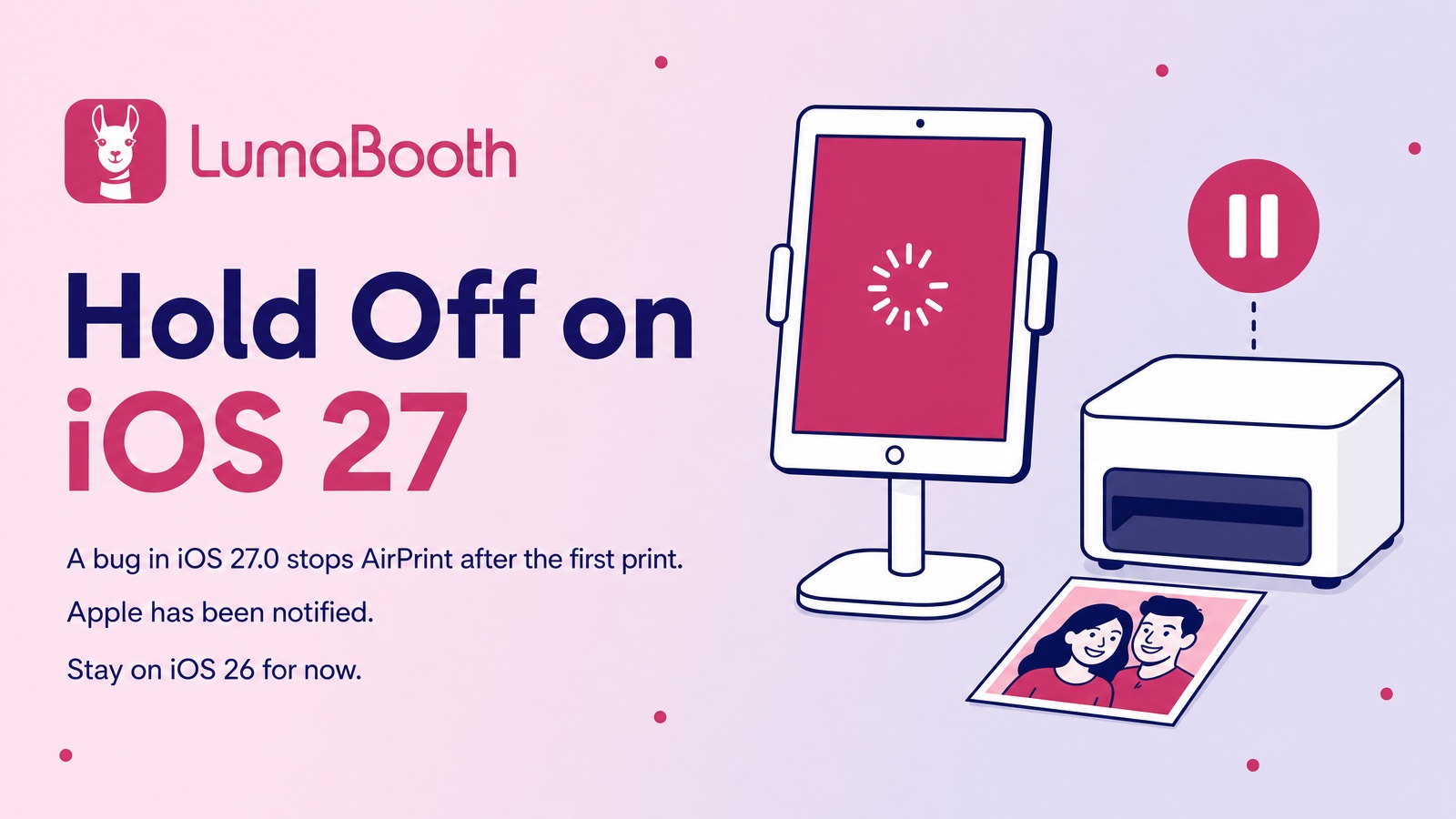
Printing Alert: Hold Off on iOS 27 for Your LumaBooth iPad
September 22, 2026
iOS 27.0 has a bug that stops AirPrint after the first print. Apple has been notified. Here’s ...
Read More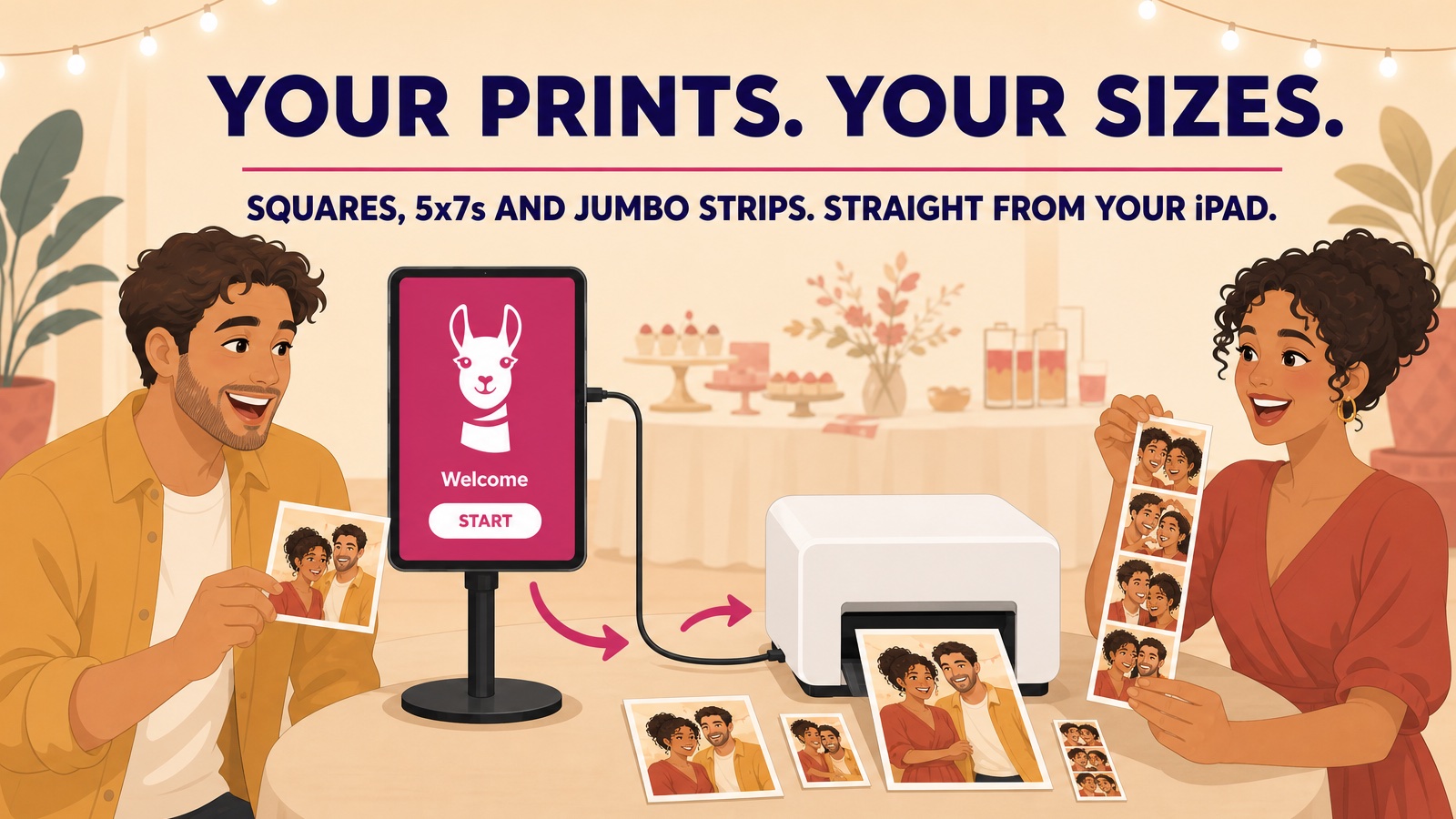
Your Prints, Your Sizes: Pick Any Print Size Over USB in LumaBooth 5.4.2
September 3, 2026
LumaBooth 5.4.2 lets you pick the exact print size for the paper in your DNP, Citizen, or HiTi print...
Read More
Mirror It, Flip It, Print It: What’s New in LumaBooth 5.4
August 11, 2026
LumaBooth 5.4 for iPad, iPhone, and Mac adds mirror and flip for captures, Mac keyboard shortcuts, C...
Read More