
November 24th, 2026
Your Booth Just Learned to Glow: LED Lighting and One Screen Editor in LumaBooth 5.5
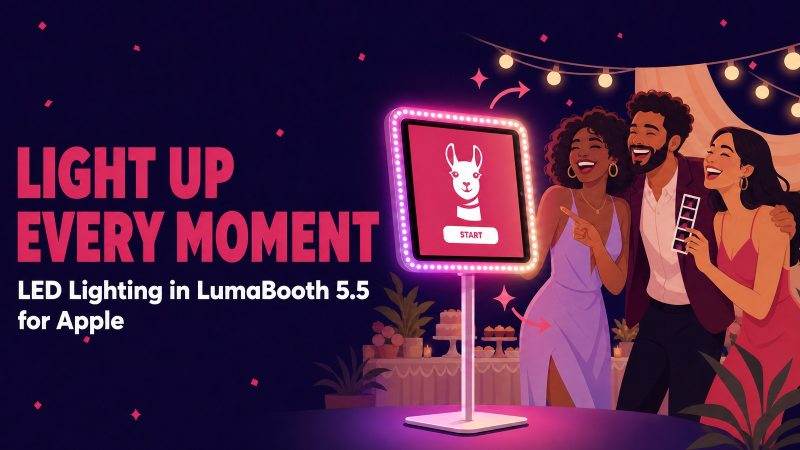
LumaBooth 5.5 for iPhone, iPad and Mac lights up your booth. LED lighting follows your guests through every step, one Screen Editor designs your Welcome, Capture and Sharing screens, and the new Events screen finds the right event in seconds. Events also stay in sync across your devices, there is a redesigned Photo Layout editor, and LumaBooth now speaks Indonesian. It is a free update on the App Store.
Lighting That Follows the Fun
Pair a Bluetooth LED controller and your strip changes color, pattern and brightness on its own as guests move through Welcome, Capture, Processing and Sharing. It keeps glowing while photos download from an external camera, too. It works on iPad, iPhone and Mac with SP105E, SP107E, SP110E, SP630E/SP63CE and MaxLight controllers.
Set up LED Lighting in LumaBooth for iPad, iPhone and Mac
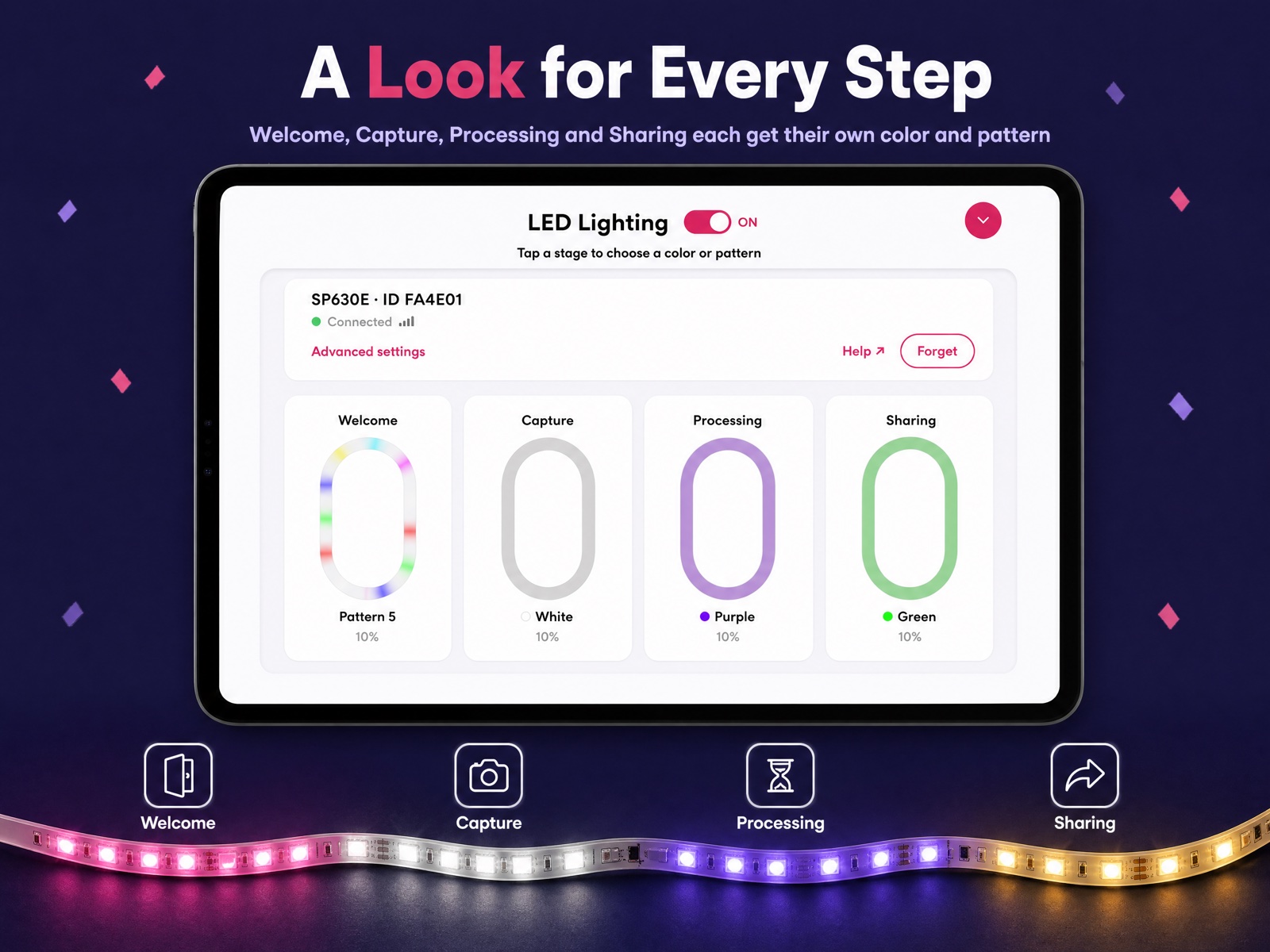
A Look for Every Step
Every step starts with a ready-made look you can make your own. Looks are saved with the event, so they follow it to your other booths. Each booth pairs its own controller. Setup is quick: the pairing list shows each controller’s ID and signal strength, and Advanced settings cover strip type, LED count, segments and a color calibration wizard. One tip: LumaBooth shows a caution when brightness goes above 70%, so keep it comfortable for guests.
One Editor for Every Screen
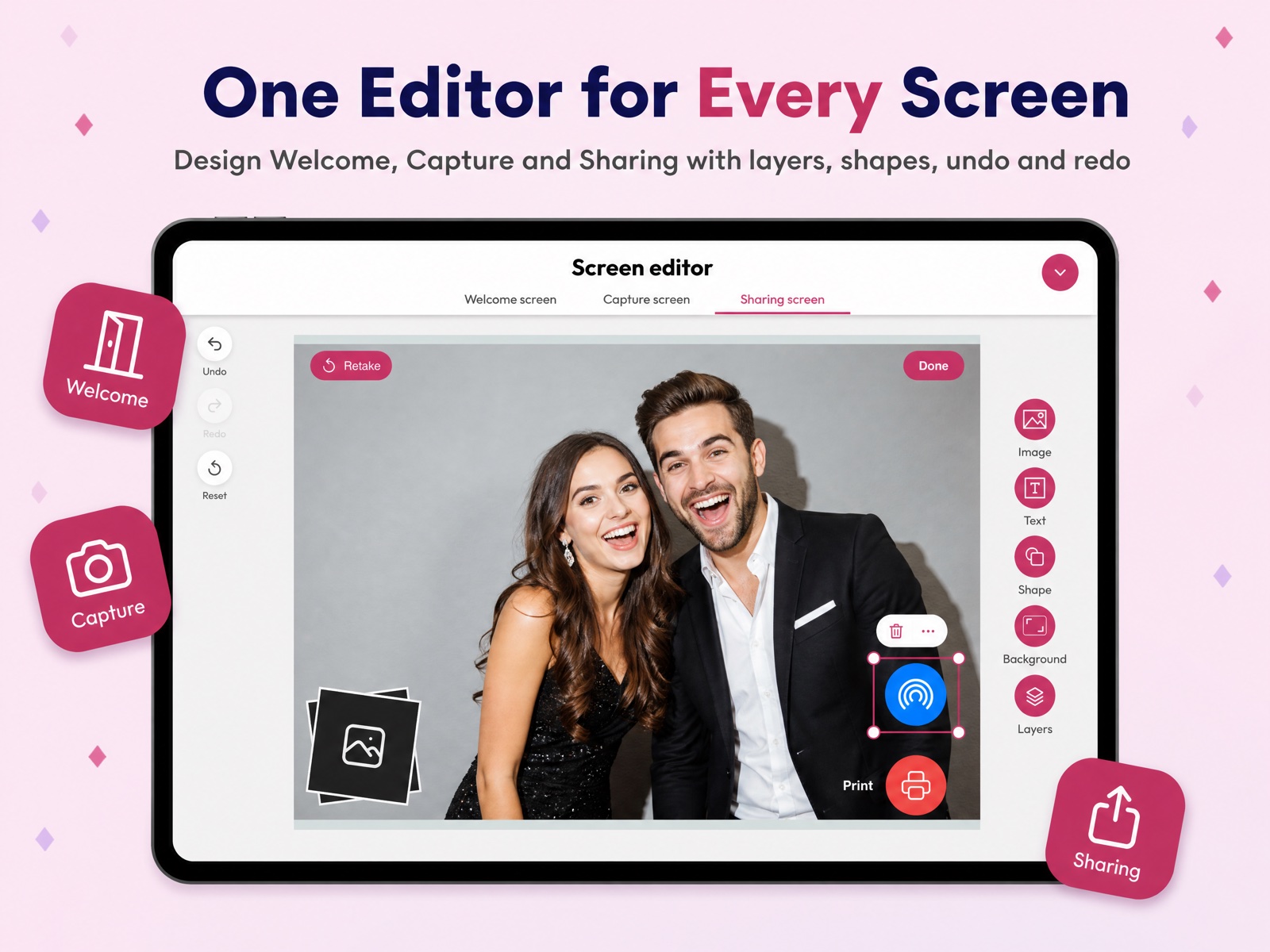
Welcome, Capture and Sharing now live in one Screen Editor, with a tab for each screen and Undo, Redo and Reset right beside the canvas.
You can now design the Sharing screen right in the app:
- Move and resize every share button, plus Retake, Done and the close button
- Set each button’s color, caption and custom image
- Add a QR code so guests scan to get their photo (needs Cloud sharing)
- Let the sharing timeout run up to 60 seconds, or until the guest taps Done
- Turn off Skip sharing screen with its own switch
Style, Position and Layers tabs keep things tidy, the new Shape tool adds lines, rectangles and ellipses to the Welcome screen, and you can lock a layer while you design so it never moves by accident. Screens you designed in the online dashboard or in LumaBooth for Windows show up on your booth exactly as designed.
Find the Right Event in Seconds
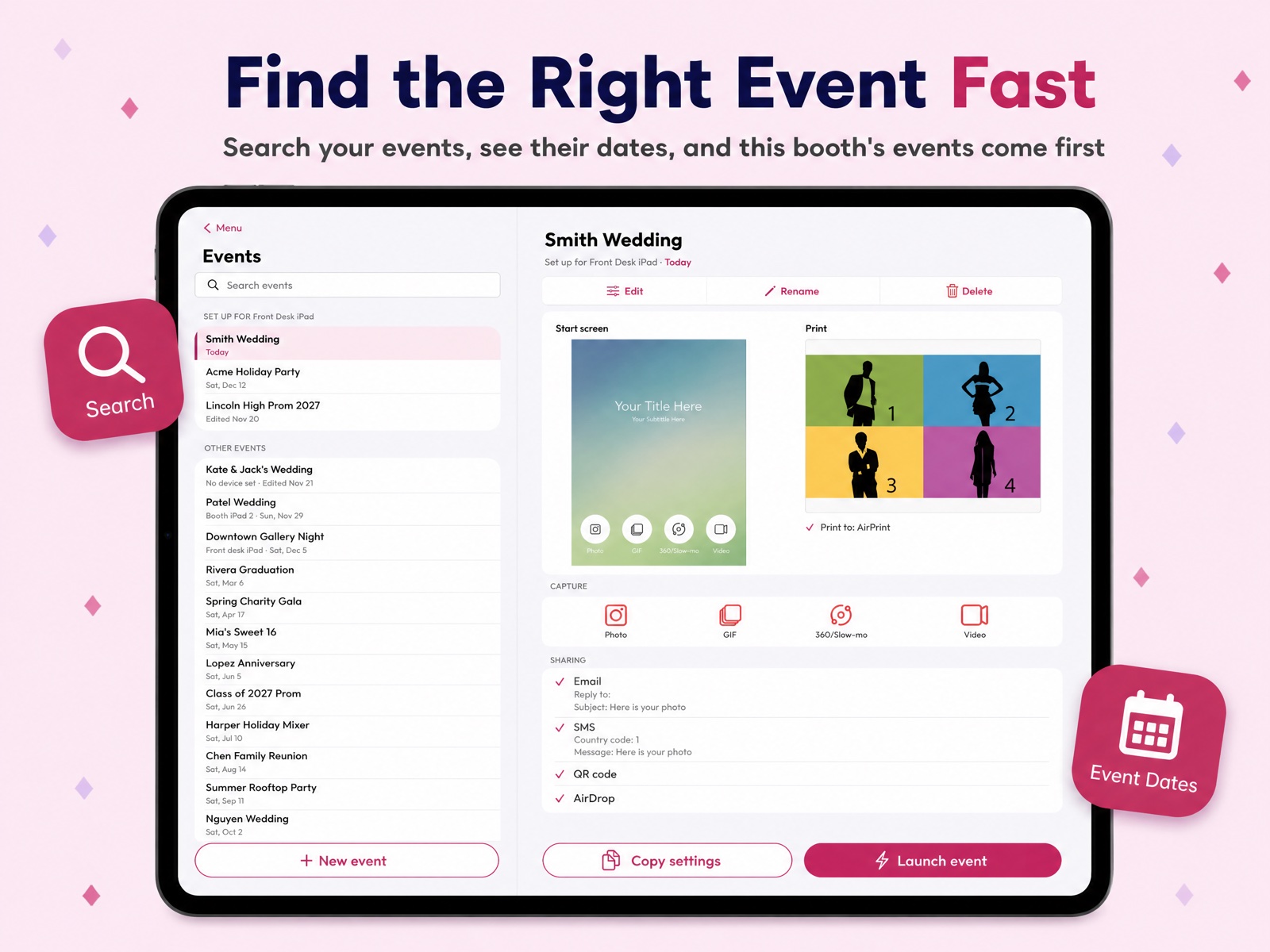
The new Events screen searches across your 500 most recently edited events, shows each event’s date, and lists the events set up for this booth first. New events now ask for a date, so everything stays easy to find.
Set It Up Anywhere, It Stays in Sync
Opening or saving an event on the booth no longer overwrites templates and settings you set up on another device, such as LumaBooth for Windows. Custom AI Portrait prompts, print settings and layout changes made in the online dashboard are kept too, and the Capture screen looks the same on every app.
Prints Designed Your Way
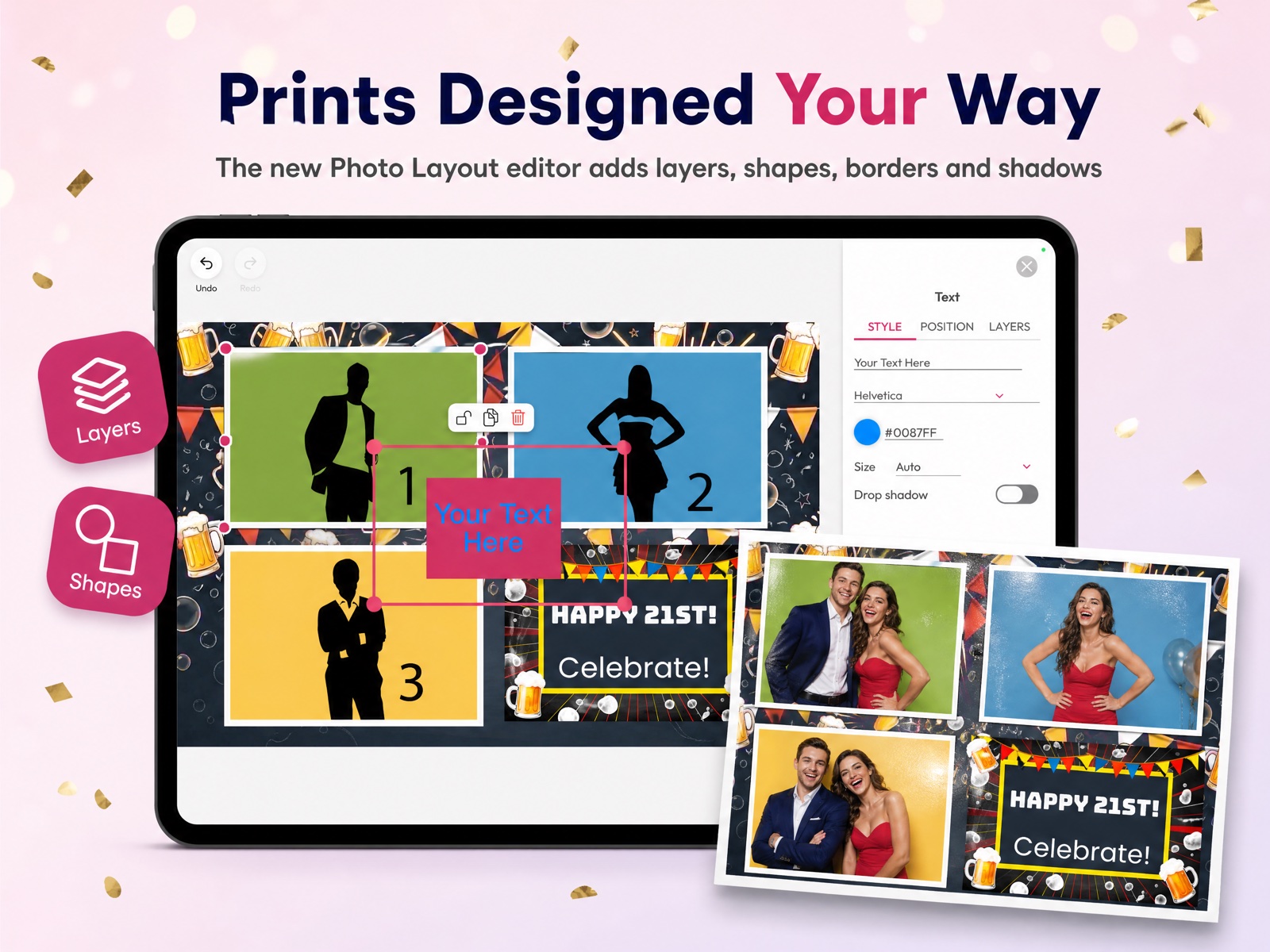
The redesigned Photo Layout editor now matches the Screen Editor, with Undo and Redo, Layers and the Shape tool. Give booth photos a border and drop shadow, add a drop shadow to text, and use new Guest data fields like Date and time and Filename. The Printing panel adds Print test copy and new paper sizes, and Presets, Recent, Import and Export now sit together in Layouts.
Selamat Datang: LumaBooth in Indonesian
LumaBooth is now available in Bahasa Indonesia. Choose it under About, Change language. The online dashboard speaks Indonesian too. Spanish also gets friendlier, now using the informal “tú” throughout.
Also in This Update
- Auto print now prints every session when the Sharing screen is skipped
- Print limits hold with USB direct printing, and a failed print gives guests their prints back
- Green screen prints are sharper: backgrounds and overlays no longer pick up a slight blur
- Printing, GIFs, boomerangs and videos are more reliable on devices low on memory
- The SMS message box has a character counter with a warning when a message gets shortened
- A booth no longer switches to another event’s Welcome screen mid-event
- The start screen video no longer freezes after a guest uses AirDrop
See the full release notes for everything else.
Get LumaBooth 5.5
LumaBooth 5.5 is available now for iPhone, iPad and Mac. Update from the App Store and light up your next event. LED Lighting needs one of the supported Bluetooth controllers.
Related Articles
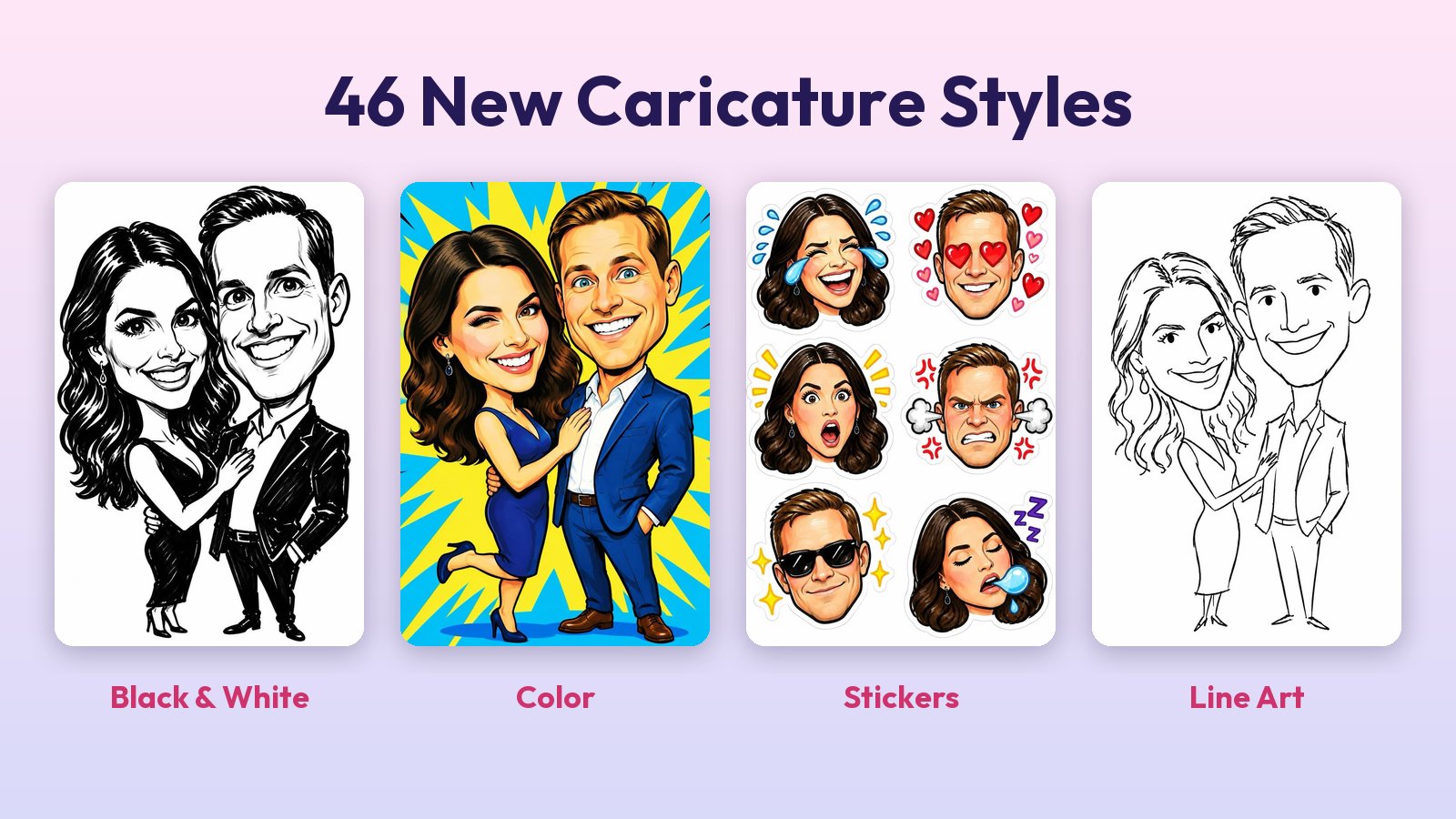
The Caricature Artist Who Never Takes a Break: 46 New AI Portrait Styles
November 17, 2026
AI Portraits now include 46 caricature styles in four categories: Black & White, Color, Sticker...
Read More
iOS 27.2 Is Out and Fixes the LumaBooth Printing Issues: Update Now
September 22, 2026
Apple released iOS 27.2 to everyone, and it fixes both the AirPrint bug and the missing Printer Driv...
Read More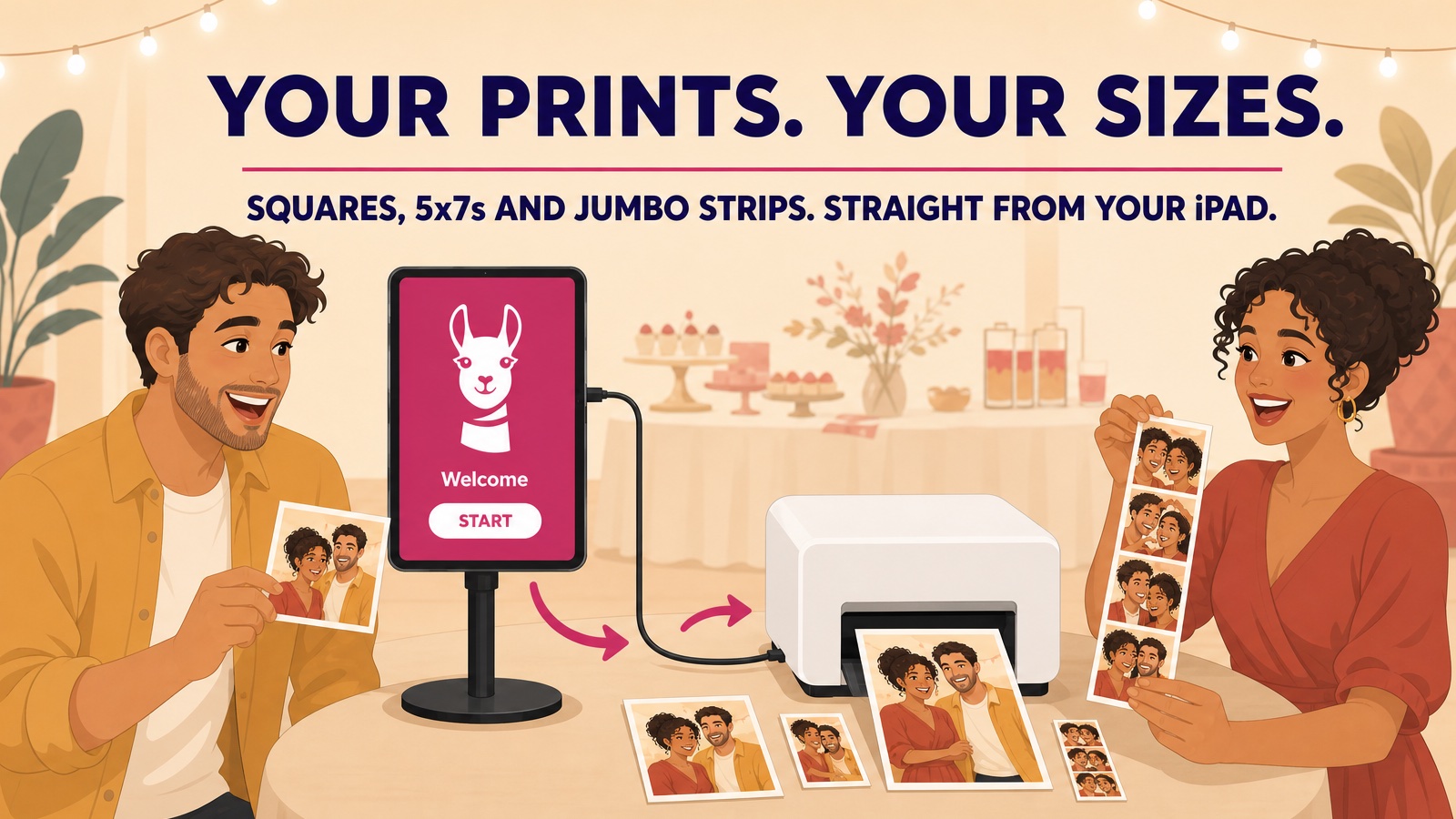
Your Prints, Your Sizes: Pick Any Print Size Over USB in LumaBooth 5.4.2
September 3, 2026
LumaBooth 5.4.2 lets you pick the exact print size for the paper in your DNP, Citizen, or HiTi print...
Read More