
July 20th, 2012
Sharing on Facebook, Twitter, Google+ (Windows Only)
 You can share your final prints online in realtime on facebook, twitter, google+, pinterest and a few dozen other sharing sites directly from dslrBooth. It’s pretty simple, take a few pictures, wait till the final print appears on screen, then click the e-mail, SMS, or scan the QR Code. Enter your e-mail or SMS #. Your mobile phone will open up a secure url where you can share your picture in real-time. Cool, right? Let us know either way in the comments below. We’re always open to suggestions.
FAQ
How long do my images stay online?
Images are guaranteed to be online for 30 days after they are uploaded.
What happens when I click the share button? Can anyone else see them?
The share button, takes you to the url for the page. Your images can only be accessed if you know their url.
Can I download a full resolution copy?
Of course. Click on the image and it’ll open the original image in high resolution which you can download.
Related Articles

Scribble Booth: Mirrored Photos and Videos in LumaBooth for Windows 8.3.0
August 11, 2026
LumaBooth for Windows 8.3.0 adds mirrored photo and video capture for mirror and scribble booths, de...
Read More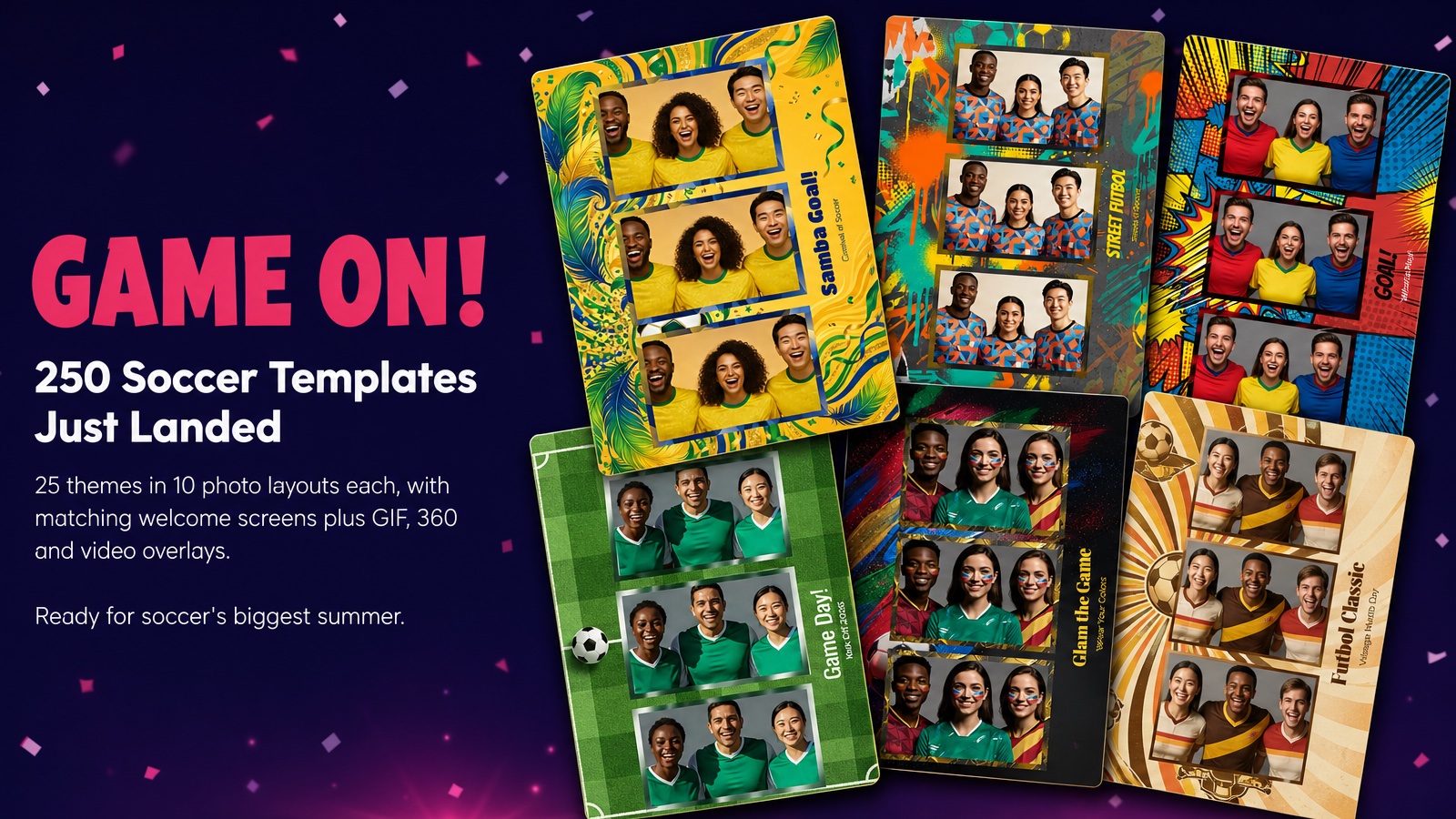
Game On! 250 Soccer Templates Just Landed
June 12, 2026
Game on! 25 soccer themes in 10 photo layouts each, with matching welcome screens and GIF, 360 and v...
Read More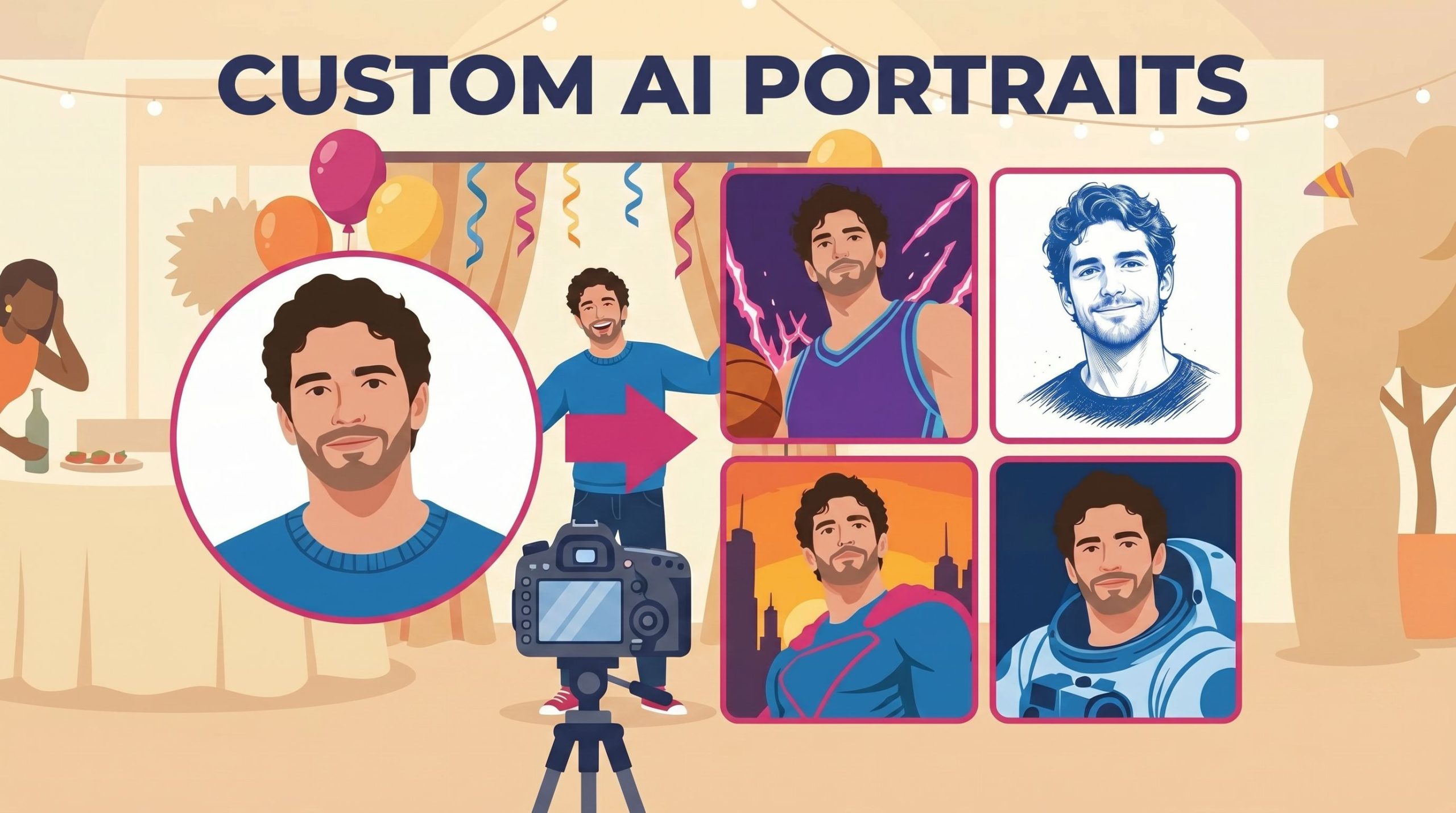
Custom AI Portraits: Build Any Look, Make It Personal
May 29, 2026
AI Portraits have been the feature your guests talk about for weeks after the event. With this relea...
Read More