
November 1st, 2012
Release Notes – v1.3.0.0 for Windows
- Add Big button to start session
- Large countdown before each image is taken
- Don’t auto-select a paper size if printer is already set to print on a 4×6 paper size. Useful for those selecting custom print sizes to get 4×6 prints cut in half on printers such as: mistubishi, dnp, and hiti.
- Yes/No for preferences instead of True/False
- Better handling of auto focus failing/camera not triggering
- Change folder names to: Processing, Originals, Prints
- Fix camera button losing focus
- Fix issues w/ some Canon cameras overwriting existing files when reusing same file numbers.
- Remove “Exit Full Screen” link, to exit full screen, hit ESC, F11 or F button to exit full screen.
Related Articles

Scribble Booth: Mirrored Photos and Videos in LumaBooth for Windows 8.3.0
August 11, 2026
LumaBooth for Windows 8.3.0 adds mirrored photo and video capture for mirror and scribble booths, de...
Read More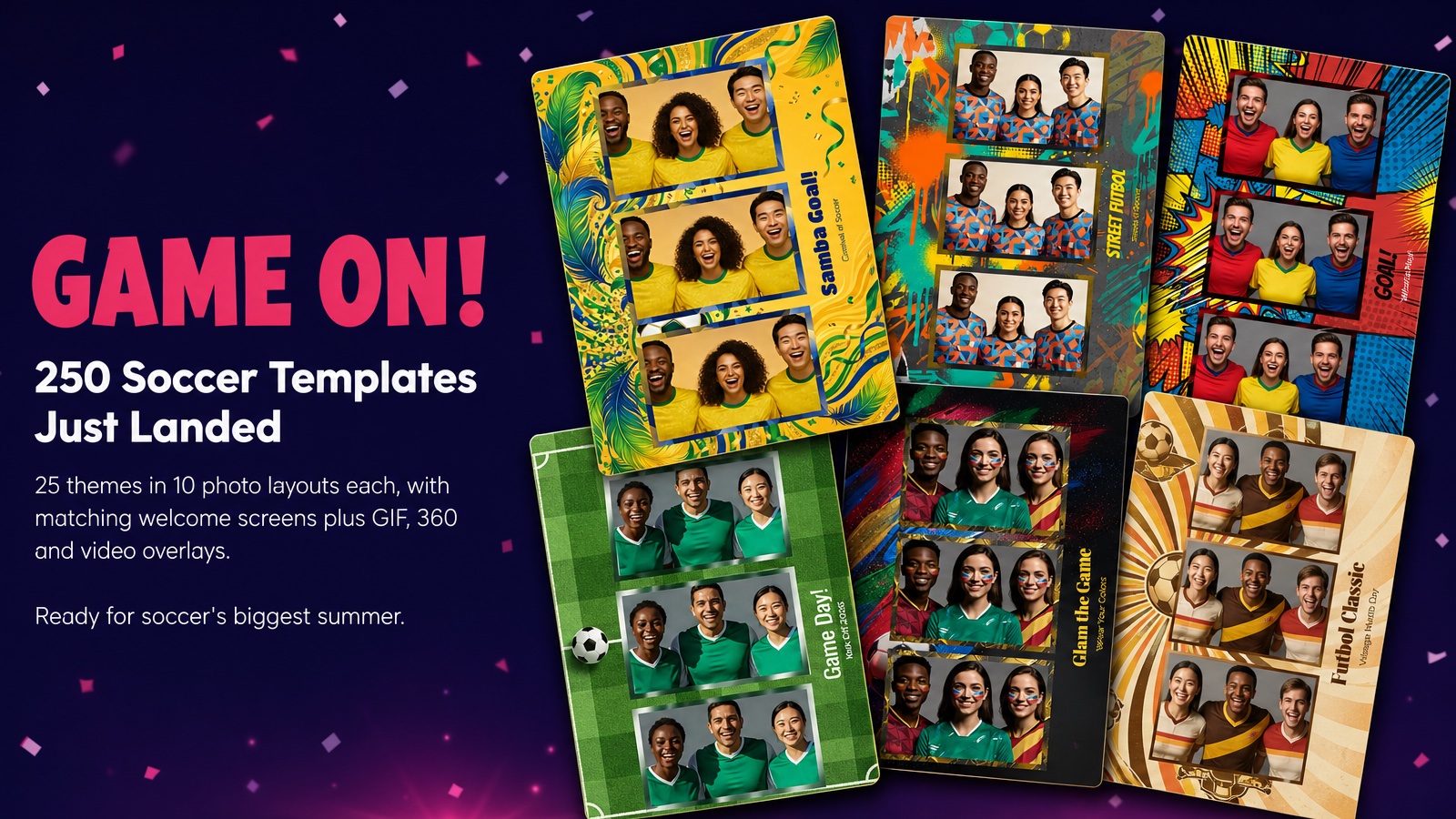
Game On! 250 Soccer Templates Just Landed
June 12, 2026
Game on! 25 soccer themes in 10 photo layouts each, with matching welcome screens and GIF, 360 and v...
Read More
Custom AI Portraits: Build Any Look, Make It Personal
May 29, 2026
AI Portraits have been the feature your guests talk about for weeks after the event. With this relea...
Read More