
June 24th, 2013
dslrBooth for Windows 2.5.1.7 Released – New UI and Customized Screens
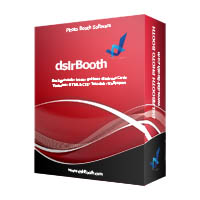 We have spent the last few weeks rewriting a good portion of the foundation of dslrBooth. The changes you can visibly see are:
- Improved User Interface.
- Easier to use settings.
- Ability to set what is displayed before a new session starts. You now have one of three options:
- Previous Print
- Overlay Image
- Custom Image. Here you can add your company logo, instructions for users, etc…
- Ability to set a custom smile screen. This is the smiley face image that is displayed at the end of the count-down when the camera is auto-focusing.
We are now better prepared to add a slew of features that you have requested and are confident that you’ll love the updates we’ll be releasing this summer.
As always, we want to hear your voice. What do you think of this update? What features do you want us to add? Let us know in the comments or contact us directly.
Related Articles
Scribble Booth: Mirrored Photos and Videos in LumaBooth for Windows 8.3.0
August 11, 2026
LumaBooth for Windows 8.3.0 adds mirrored photo and video capture for mirror and scribble booths, de...
Read More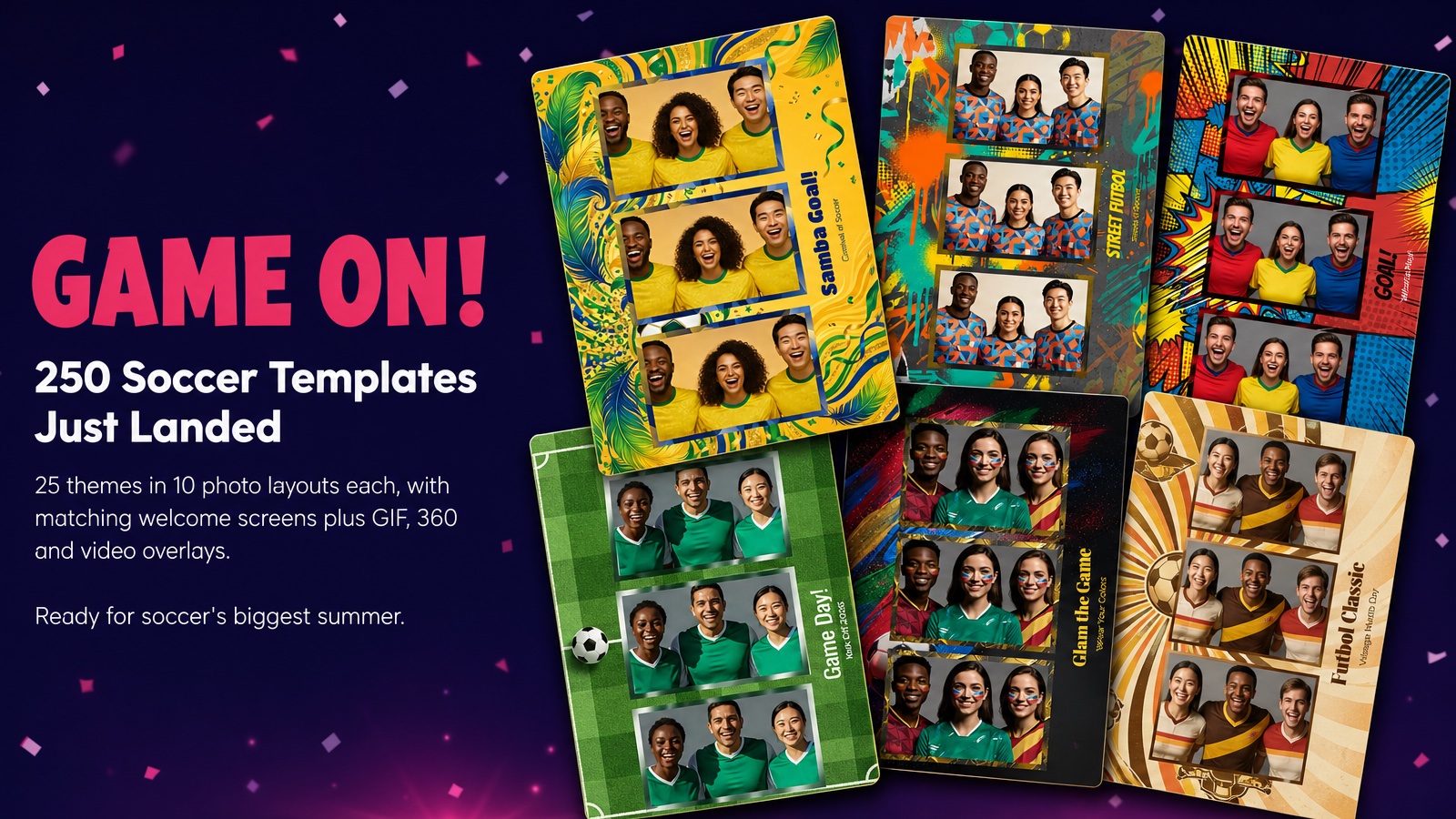
Game On! 250 Soccer Templates Just Landed
June 12, 2026
Game on! 25 soccer themes in 10 photo layouts each, with matching welcome screens and GIF, 360 and v...
Read More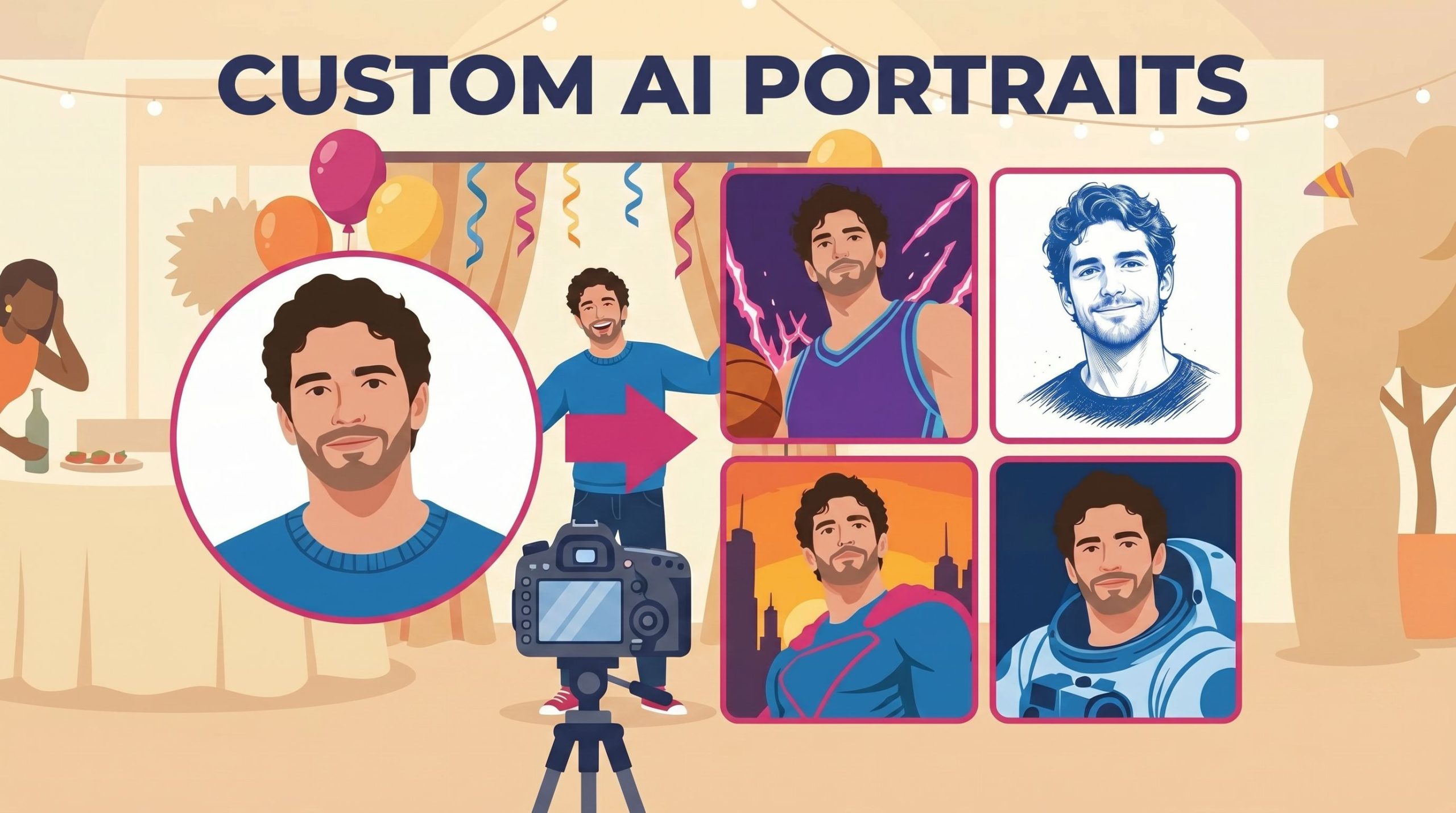
Custom AI Portraits: Build Any Look, Make It Personal
May 29, 2026
AI Portraits have been the feature your guests talk about for weeks after the event. With this relea...
Read More