
August 7th, 2013
Win v.2.5.1.22 – QR Codes and E-mail Sharing Icons

QR Codes
We’ve made it even easier to get your photo booth photos to your guests on their mobile phones. Once a print is created, a QR code is generated that is displayed in dslrBooth. Once a guests scans that barcode using their phone, they are directed to the photo on our site.
E-mail Sharing Icons
E-mails now include sharing buttons for facebook, twitter, google+. This allows guests to quickly share images they receive to social networks. E-mails are customizable using a template. You can put the sharing buttons anywhere by adding {share_icons} where you wish.
Additional Display Options
- Added option to start dslrBooth directly in Full Screen when the application is launched. Useful when dslrBooth is used in enclosures or for anyone who wants to save a step when starting up.
- Added option to hide the Start Button. Useful when triggering dslrBooth using a USB button.
Other Improvements:
- Virtual Keyboard sports a new look that both looks better and is easier to use.
- Complete Hiding of windows taskbar on Windows 7 and Windows 8 in full screen mode.
As always, to get this update, simply restart dslrBooth while connected to the internet.
Related Articles
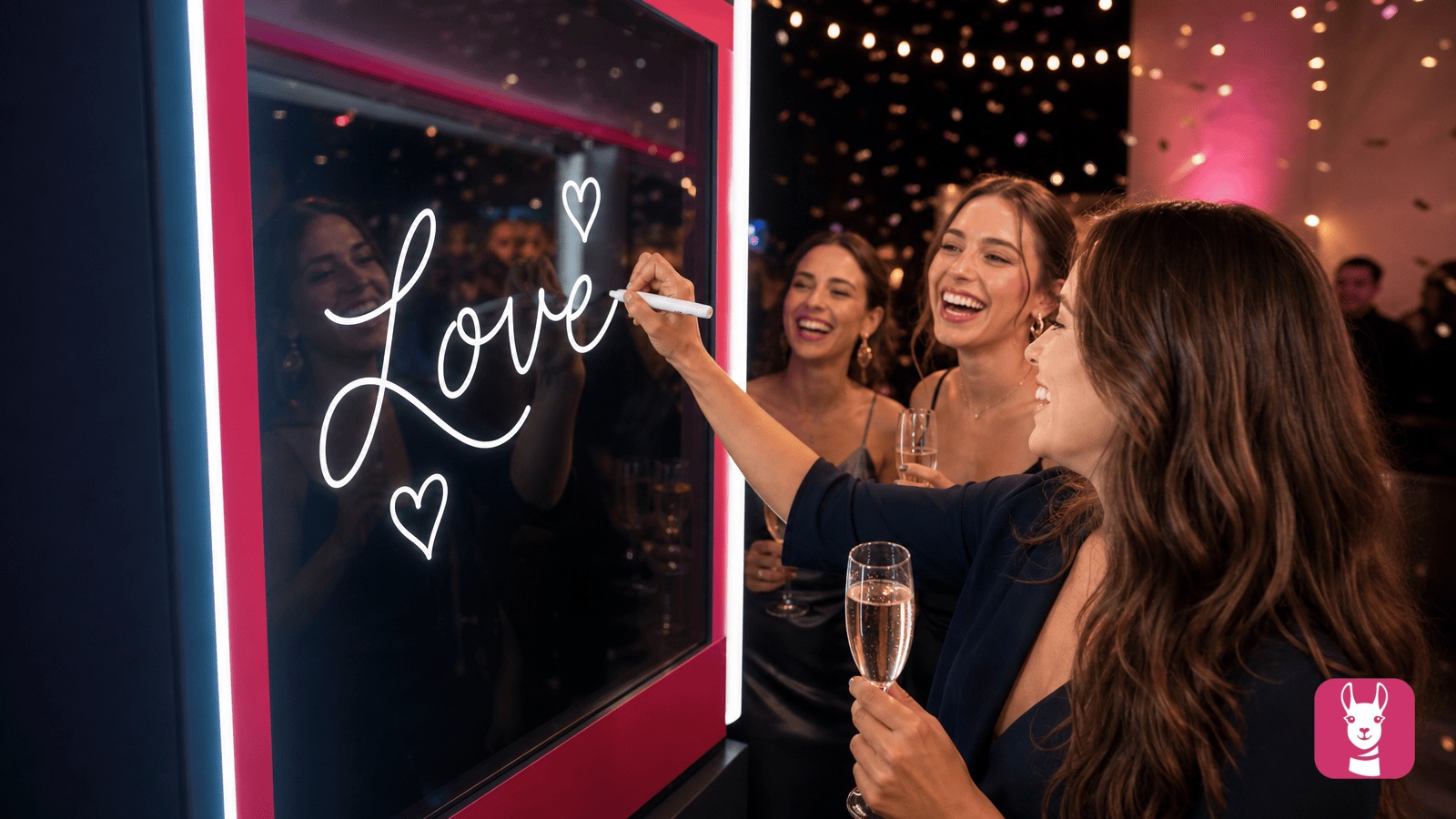
Scribble Booth: Mirrored Photos and Videos in LumaBooth for Windows 8.3.0
August 11, 2026
LumaBooth for Windows 8.3.0 adds mirrored photo and video capture for mirror and scribble booths, de...
Read More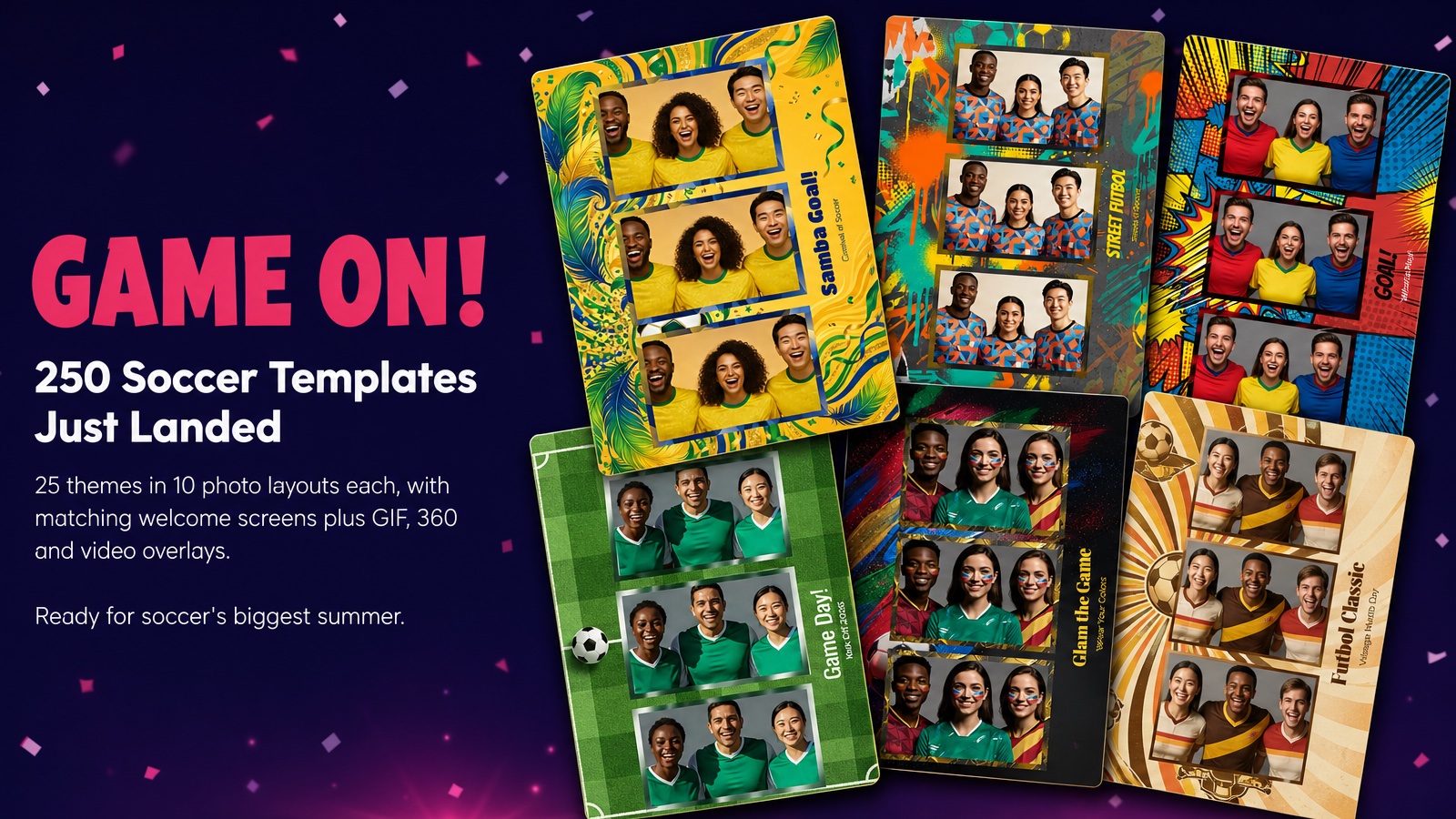
Game On! 250 Soccer Templates Just Landed
June 12, 2026
Game on! 25 soccer themes in 10 photo layouts each, with matching welcome screens and GIF, 360 and v...
Read More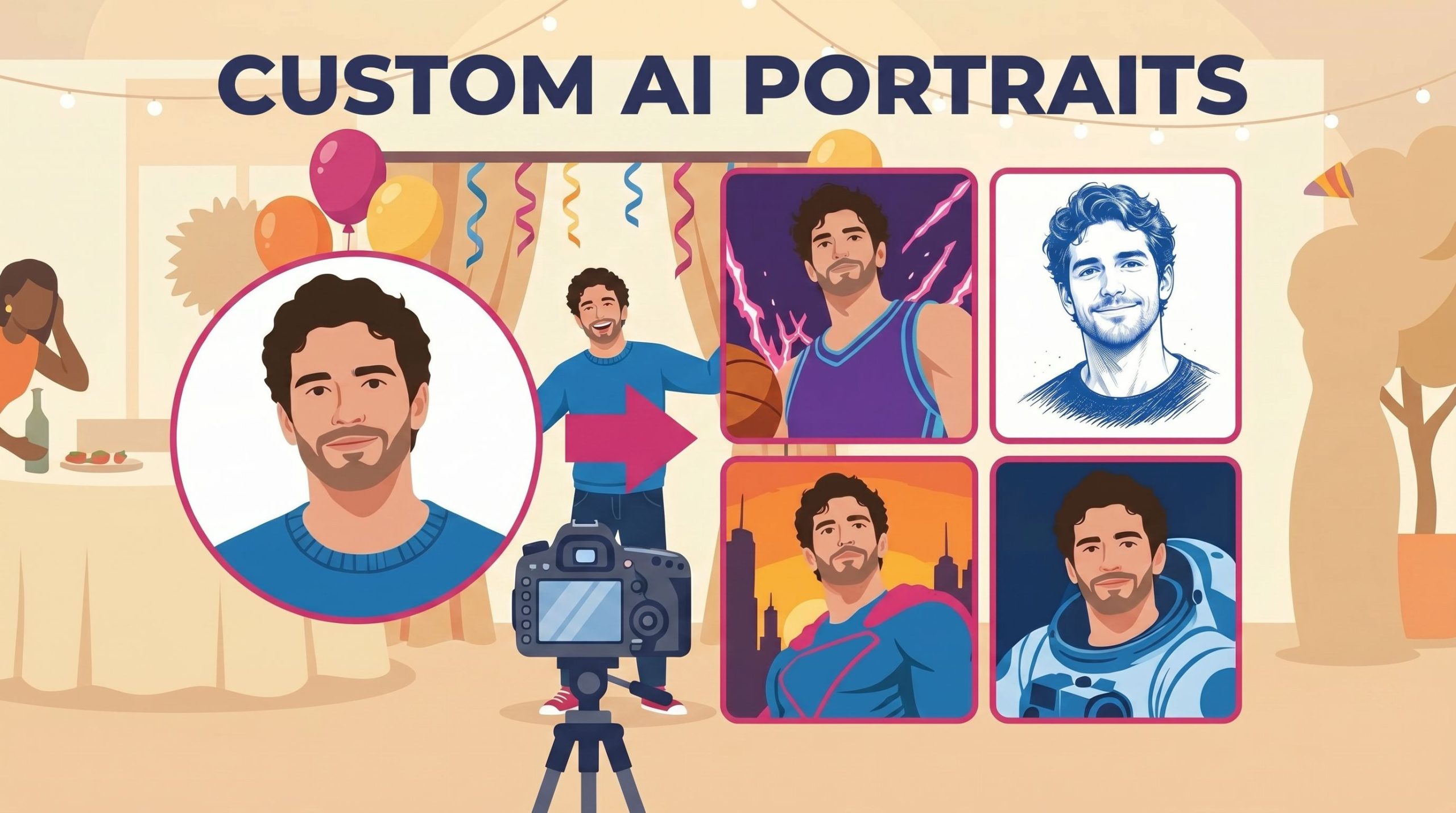
Custom AI Portraits: Build Any Look, Make It Personal
May 29, 2026
AI Portraits have been the feature your guests talk about for weeks after the event. With this relea...
Read More